In short
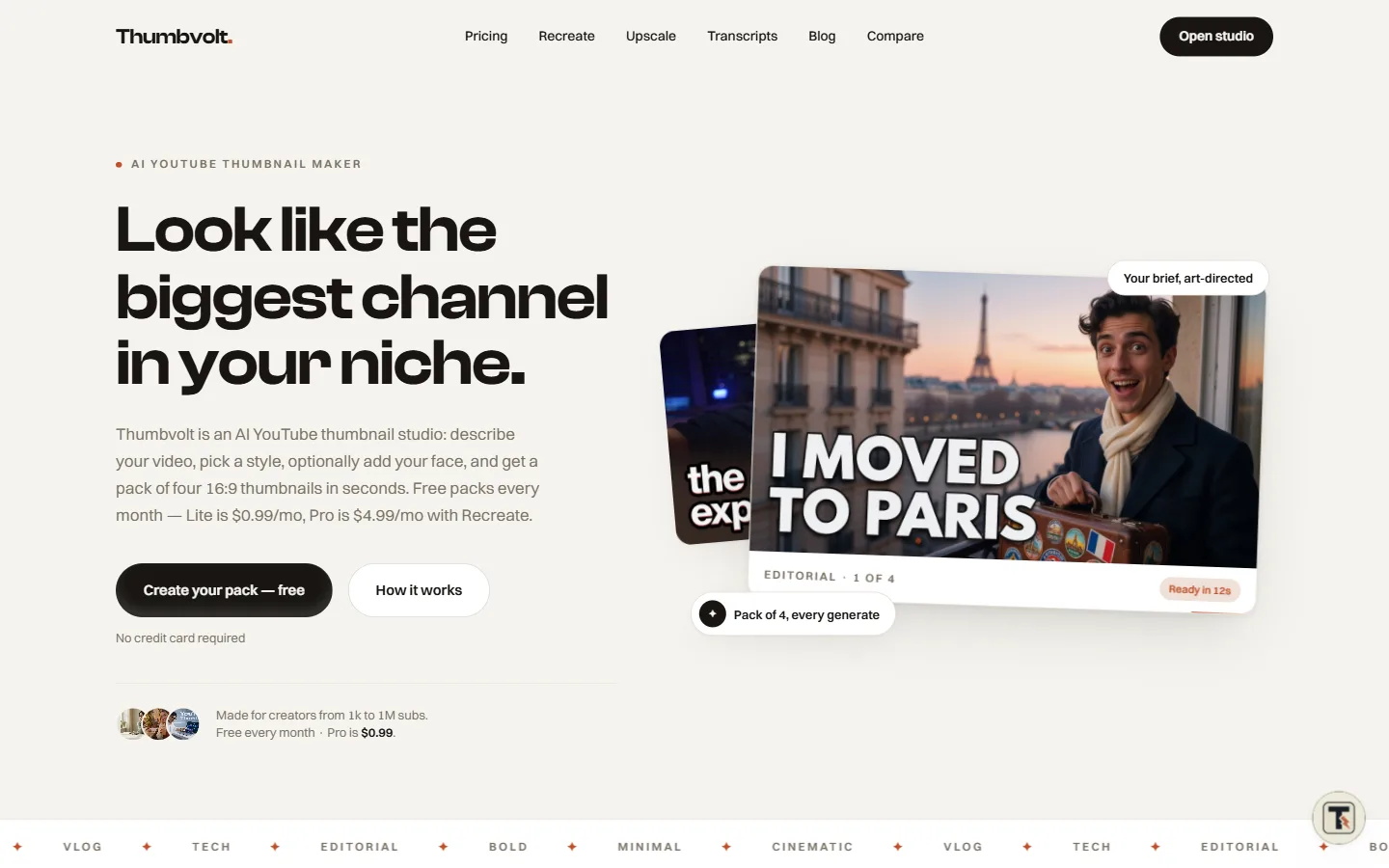
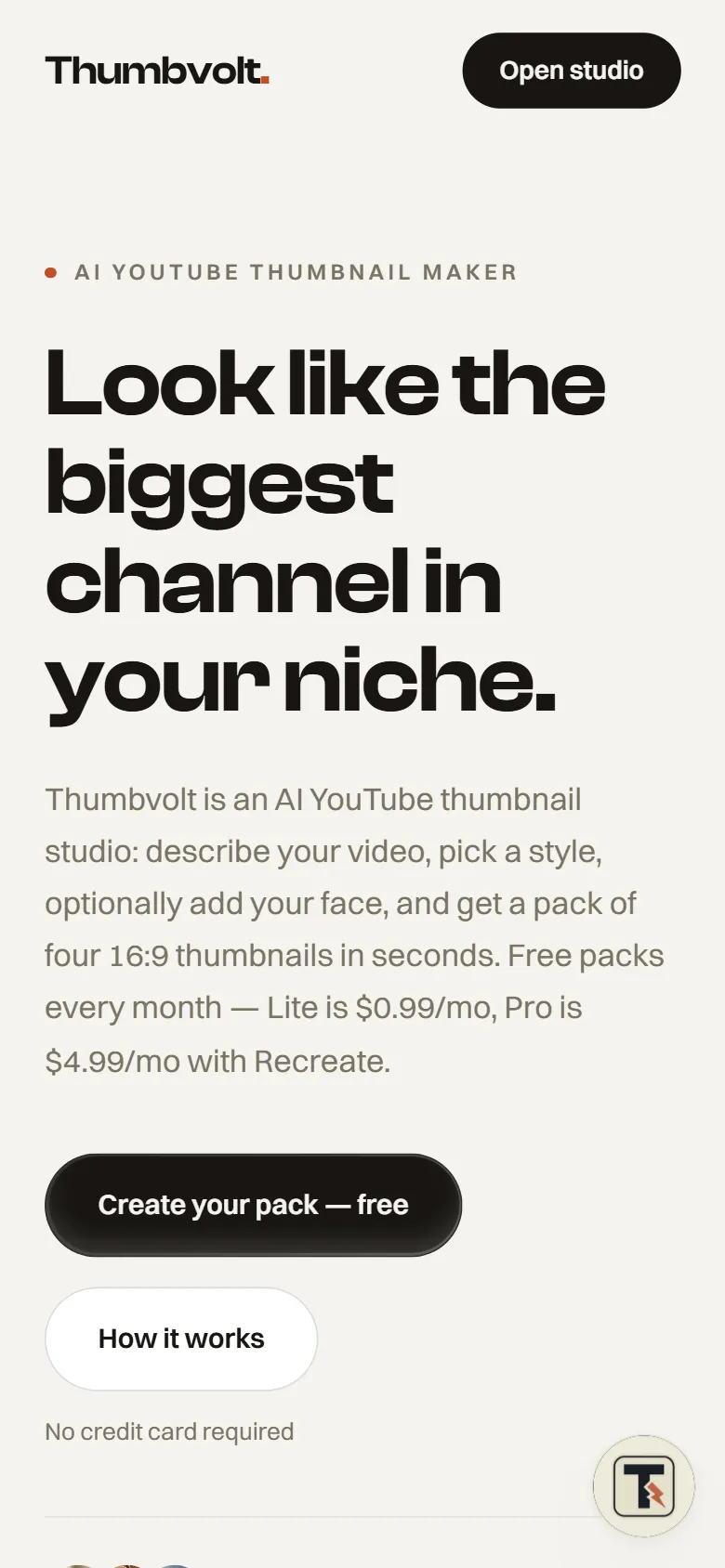
Thumbvolt is our AI YouTube thumbnail studio. A creator describes the video, picks one of six styles, optionally adds a selfie and gets a pack of four 16:9 thumbnails, ready in about twelve seconds according to the site. There are Free, Lite and Pro plans, and the free plan includes five packs a month with no card needed.
Last updated · Built under Dice Technologies, one of our ventures.
What was Thumbvolt built to do?
A thumbnail decides whether anyone clicks, but most creators don't want to open a design tool on upload day. Thumbvolt's job is to go from a video title to usable thumbnails quickly, for channels from 1k to 1M subscribers, as the site puts it.
The site's own pitch names the gap it fills: most tools return one guess. Thumbvolt returns a pack of four every time, so a creator has real options to compare and A/B test.
What did we build?
The flow has three steps: write a brief, pick a style, get your pack. A title alone is enough to generate; notes are optional, and a YouTube URL can fill the title in for you.
- Six styles: Editorial, Bold, Minimal, Cinematic, Vlog and Tech, each with its own look, from clean serif type to loud, high-contrast lettering. You can drop in a reference image to see the feel.
- Optional face input: add a selfie when you want yourself in the frame. The product is face-first rather than URL-first.
- Packs of four 16:9 thumbnails, with options to download, redo a single slot or generate again.
- Recreate and Upscale tools, linked from the main navigation.
- Transcripts on Pro: paste a YouTube URL and download the captions in any available language as TXT, SRT or PDF, with saved history.
- Comparison pages against Pikzels, Thumbnailr and Canva, plus a roundup of AI thumbnail generators.
What were the hard parts?
The first was getting people to a result quickly. Sign-up walls put people off tools like this, so Thumbvolt lets you try it before you sign up and only asks you to sign in when you download. Every month starts with free packs and no card, so a creator can ship a real thumbnail before deciding whether to pay.
The second was making a pack of four worth having. The brief is art-directed into the chosen style, and you can redo one slot on its own, so a single weak result doesn't cost you the whole pack.
The third was keeping the face optional. Plenty of channels never show a face, so the brief works on its own, and a selfie is an input you add only when you want it.
Which stack did we use, and why?
Thumbvolt runs on Next.js behind Cloudflare, with Motion for interface animation. Next.js renders the landing, pricing, comparison and blog pages on the server so they can rank, while the studio itself runs as an interactive app in the same codebase. Cloudflare sits in front of the site for caching and protection.
What are the results so far?
Thumbvolt is live with Free, Lite and Pro plans. The free plan includes five packs a month and all six styles with no card required, and Pro adds unlimited packs under fair use, unlimited transcripts and priority generation.
If you have a product idea like this and want it in front of users quickly, our MVP development service follows the same approach: a narrow first version, live early, then improved from real use.